SolarCam Q1 Ultra
Solar Outdoor Security Camera 4K/8MP with Motion Tracking
Solar Outdoor Security Camera 4K/8MP with Motion Tracking
Normaler Preis
$99.99
Verkaufspreis
$99.99
Normaler Preis
20%OFF
- 4K Ultra HD Video
- 360° Pan & 90° Tilt
- Solar-Powered Convenience
- Automatic Motion Tracking
 30-Day Risk-Free Trial
 2-Year Warranty
 2-7 Days Free Shipping
 Expert Support Online
- 4K clarity — 8MP video at 3840 × 2160.
- Automatic tracking — Follows movement.
- Flexible viewing — 350° pan and 90° tilt.
- Solar charging — 3W panel and 5000mAh battery.
- Easy connection — Dual-band Wi-Fi and Bluetooth setup.
- Motion alerts — PIR activity detection.
- Night vision — Color and infrared, up to 15m.
- Two-way audio — Hear and speak remotely.
- Outdoor protection — IP65 dust and rain resistance.
- Storage options — microSD up to 256GB or cloud.
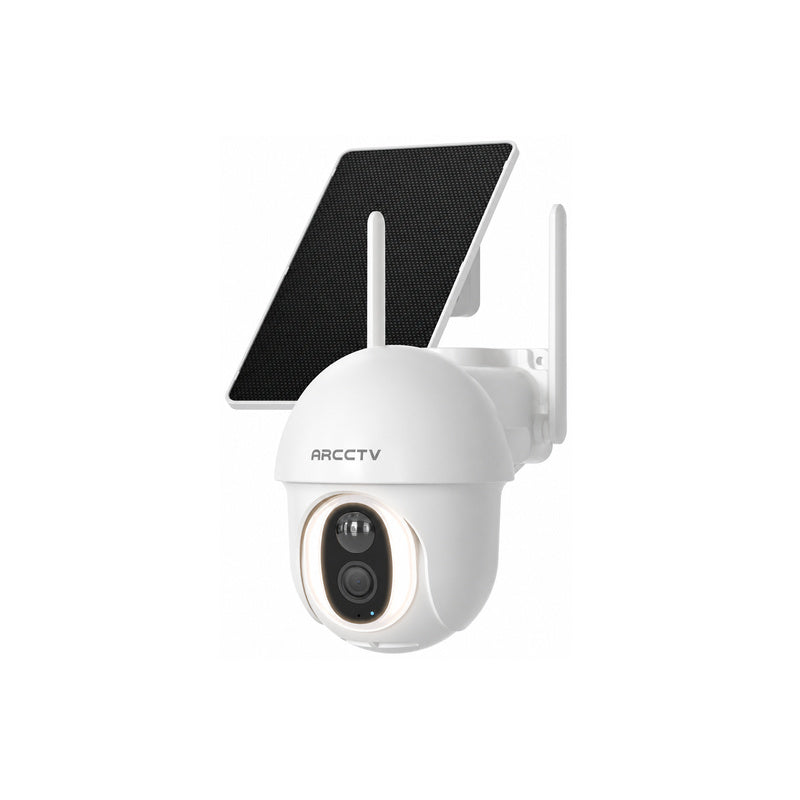
- 1 X Solar Camera
- 1 X Solar Panel
- 1 X 1M Type-C cable
- 2 X Screw pack
- 2 X Sticky note
- 1 X User manual
- 1 X warning sticker
Enjoy free shipping on all orders, with estimated shipping times of 2–7 days to the U.S. and Europe. For delivery areas and more details, please visit our Shipping Policy.
If you’re not completely satisfied with your purchase, you can request a return within 30 days of delivery. Please review our Return Policy for return conditions and refund information.
Your camera comes with a 1-year warranty, or 2 years in the EU. Register your product to extend your warranty by an additional year.
If you need help with your product, our support team is here to assist. Visit our Warranty Policy for full coverage and registration details.

"The 4K picture looks sharp, with clear details around my driveway."– Laura M.
Before You Buy


Do I need a subscription?
No. You can save recordings to a microSD card without a subscription. Cloud storage is optional.
How clear is the video?
Q1 Ultra captures 4K video at 3840 × 2160, helping you see finer details around your entrance, driveway, and yard.
Can the camera follow movement?
Yes. Q1 Ultra supports automatic motion tracking, with 350° pan and 90° tilt to help keep moving subjects in view.
Hear from Our Customers
Highlights
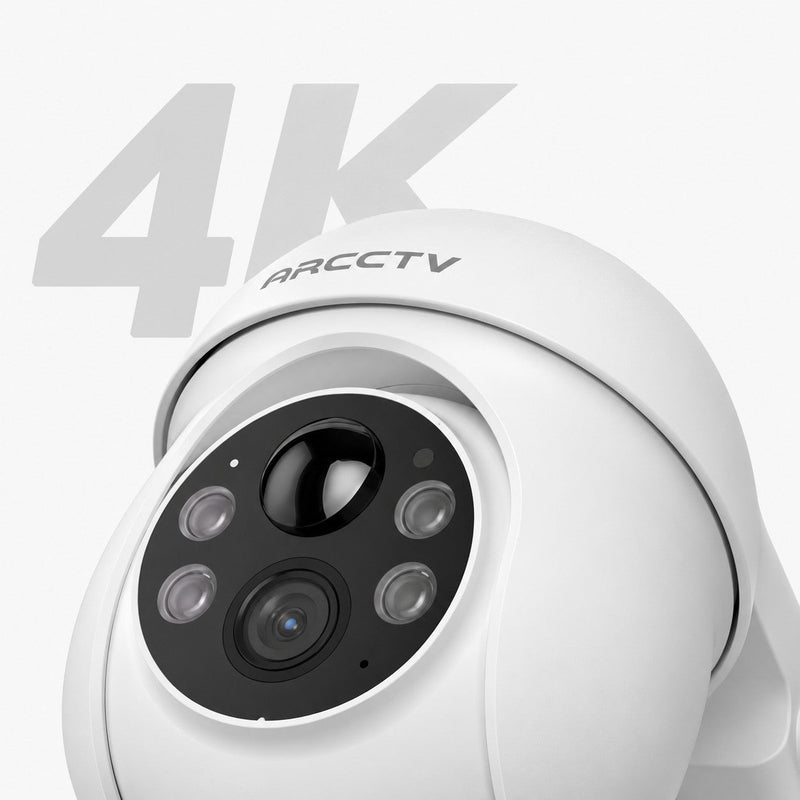

Auto Tracking
Follows people as they move.

All in One App
View live, replay events, and manage your camera.
Look Around
With Pan & Tilt

355° pan. 90° tilt.

Stay Informed
Get alerts when motion is detected.
Solar Powered
Always On

4K Clarity. Details That Matter.
With four times the pixels of 1080p, Q1 Ultra captures finer details of visitors, deliveries, and everyday activity around your home.
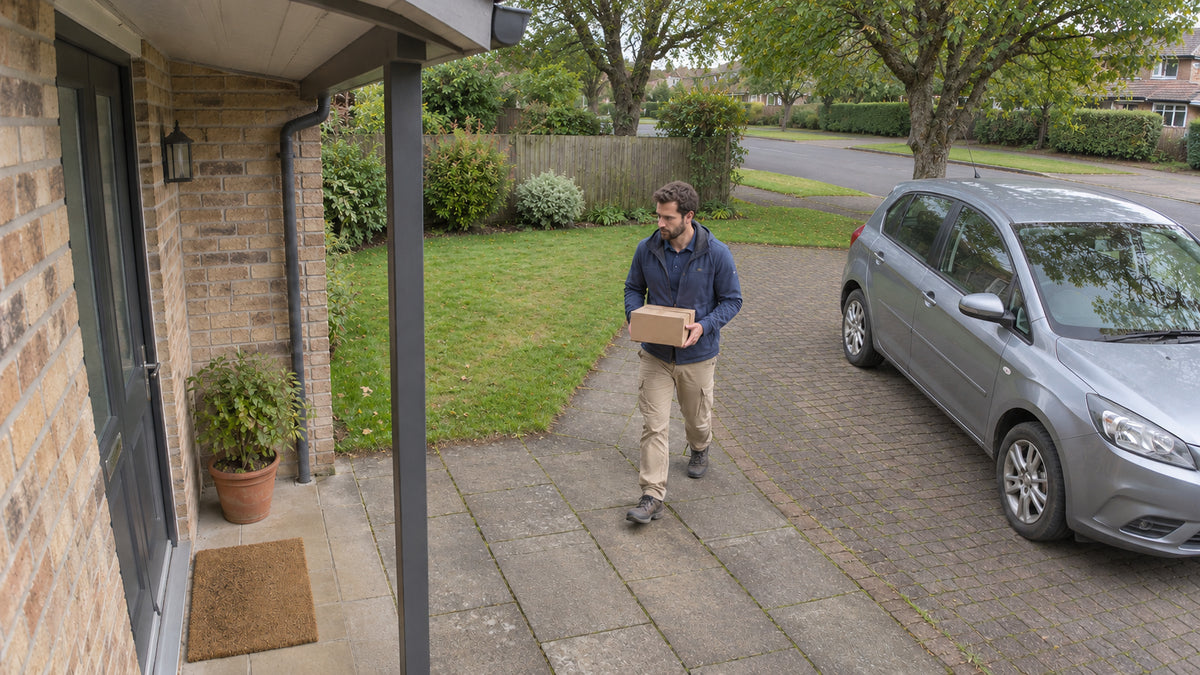
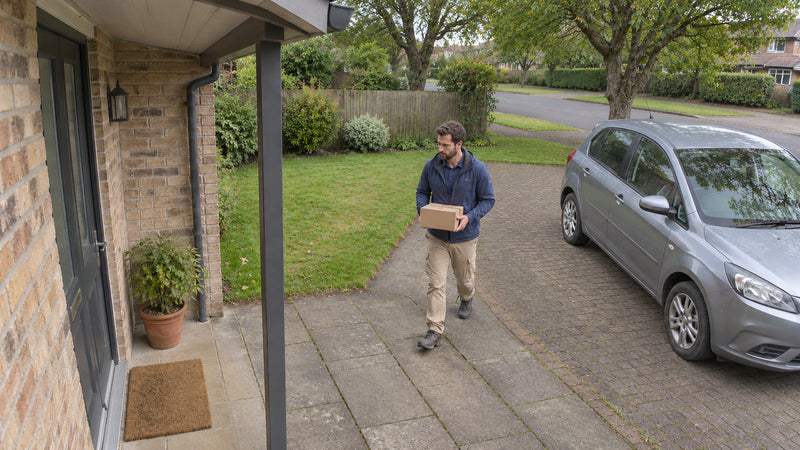
A View That Follows
As someone moves across your yard, the Q1 Ultra turns to keep them in view.


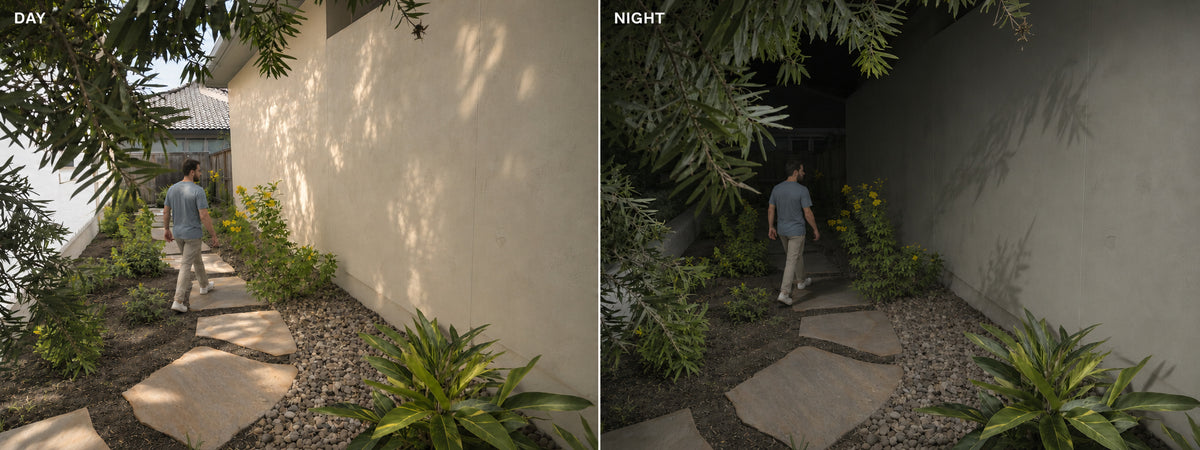
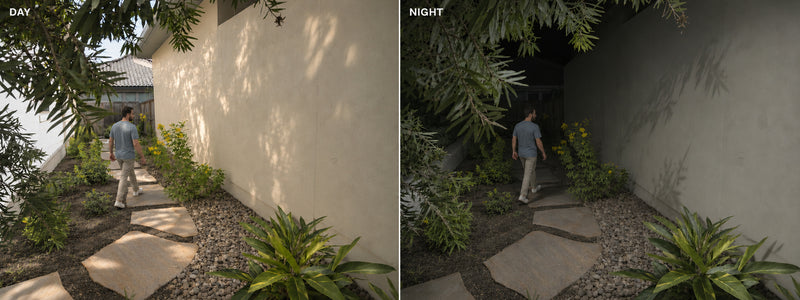
Your Yard After Dark
When someone walks by, the Q1 Ultra’s built-in light comes on, so you can see what’s happening in color
Smart Detection. Your Priorities.
Know what’s moving. Choose where to detect it.

AI Detection
Identify people, pets, and vehicles to better understand activity around your home.

Custom Detection Zones
Set motion detection zones to focus on your entrance, driveway, or other areas that matter.
360° Coverage. All-Around Protection.
Pan and tilt from your phone to look around your home with 360° viewing coverage.

One App, Wherever You Are
Manage all camera features in one app and check on your home, even when you’re away
Motion Alerts
Get a notification on your phone when your camera detects motion.

Live View & Recording
See what’s happening live and record video clips directly from the app.

Share with Family
View, manage, and securely share video across multiple family devices through the app.


Stay Connected to Home
Talk to visitors through the app, or ask Alexa to show your camera’s live view.

Two-Way Audio
Hear and speak to visitors right from your phone.

Works with Alexa
View your live feed on a compatible Alexa-enabled display with a simple voice command.

Optional Backup
-
SD Card Storage
-
Keep event recordings on an SD card installed in your camera. No cloud subscription required.
-
Optional Cloud Storage
-
Save event recordings to the cloud with a paid subscription. Choose this option if it suits your needs.

Solar Charging. Less Maintenance
A 5,000mAh rechargeable battery and built-in 1.7W solar panel help reduce manual charging.

Dual-Band Wi-Fi 6 Connectivity
View live video and follow activity at home over Wi-Fi 6.

IP65 Weatherproof Protection
Built to withstand dust and rain for reliable outdoor performance.
Privacy for Peace of Mind
ARCCTV helps protect your recordings and personal information with end-to-end encryption and secure data handling.
Choose what data is collected, and review, manage, or delete it anytime. Home/Away modes and clear status indicators keep privacy controls simple.

Easy Setup. No Power Cables Needed

Download the ARCCTV App
Download the app and follow the instructions to add your camera.

Bluetooth Setup
Connect your camera to your home Wi-Fi and check the live view before mounting.

Mount & Adjust
Choose a sunny spot with reliable Wi-Fi, secure your camera, and adjust the viewing angle.
Why Choose ARCCTV?

Free Shipping
Fast, safe, and reliable delivery worldwide.

30-DayRisk-Free Trial
Test it in your daily work for 30 days to see if it meets your needs.

2-Year Warranty
Added peace of mind with two years of product protection.

Expert Support Online
Get help with setup, troubleshooting, and everyday use.
Questions? We've Got Answers
Do I need a subscription to save and replay recordings?
No. You can save recordings to a microSD card and replay them in the ARCCTV app without a monthly subscription. The card is sold separately. Cloud storage is optional.
Does the Q1 Ultra work with my home Wi-Fi?
The Q1 Ultra supports both 2.4 GHz and 5 GHz Wi-Fi. Before mounting it, open the live view in the ARCCTV app at your chosen spot to check the connection.
Do I need to turn on person tracking?
Yes. Enable Auto Tracking in the ARCCTV app. Once enabled, the camera can turn to follow a person as they move across its view. Tracking uses more battery power.
Will I still need to charge the camera if I use the solar panel?
You may need to recharge it during long periods of cloudy weather or if the camera tracks activity frequently. Place the solar panel where it gets direct sunlight to help keep the battery charged.